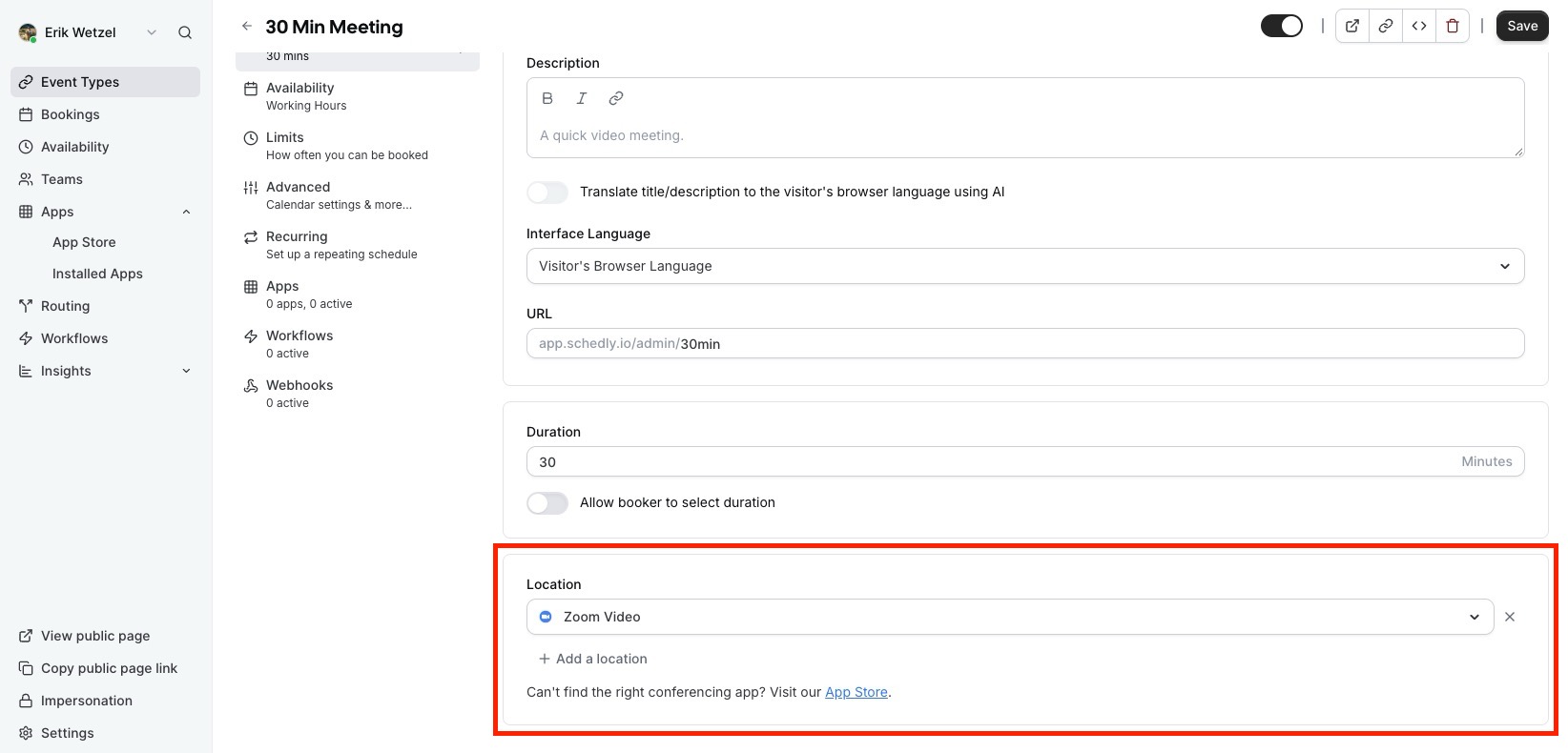
To add Zoom as the meeting location for your event type, you need to follow these steps:
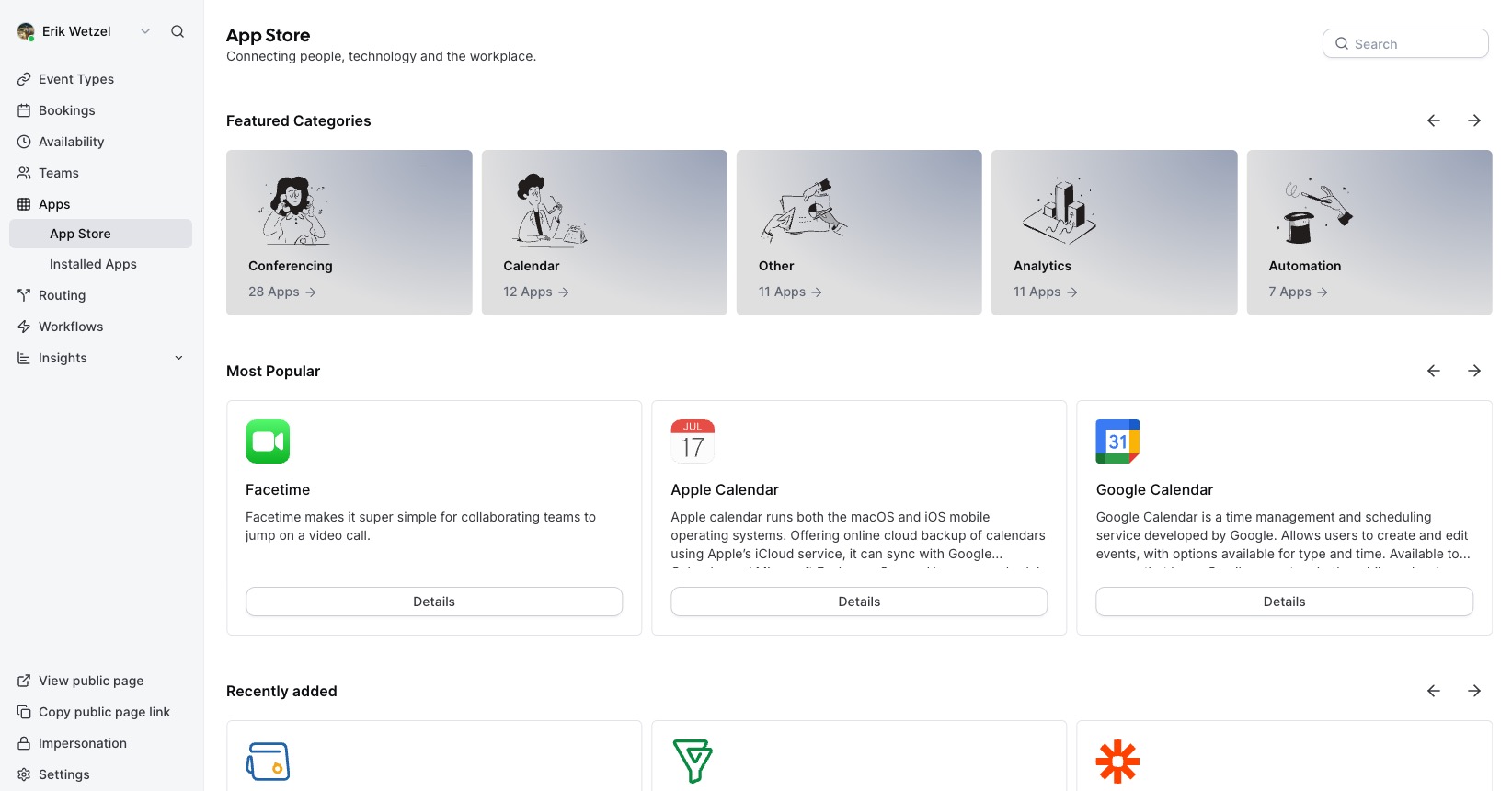
First, you need to visit the Schedly app store
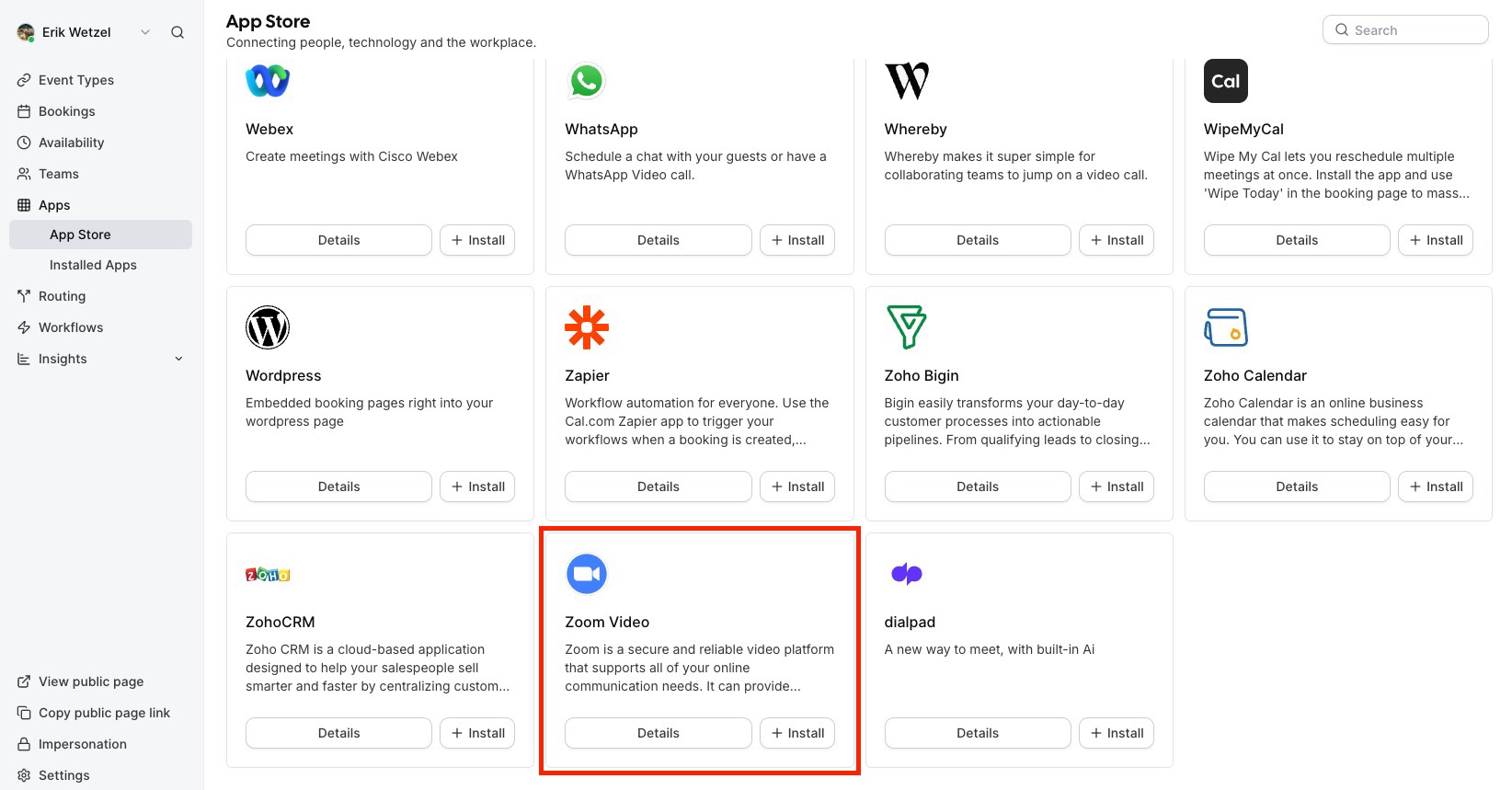
Next, go to video conference apps, find Zoom in the list, and click on details
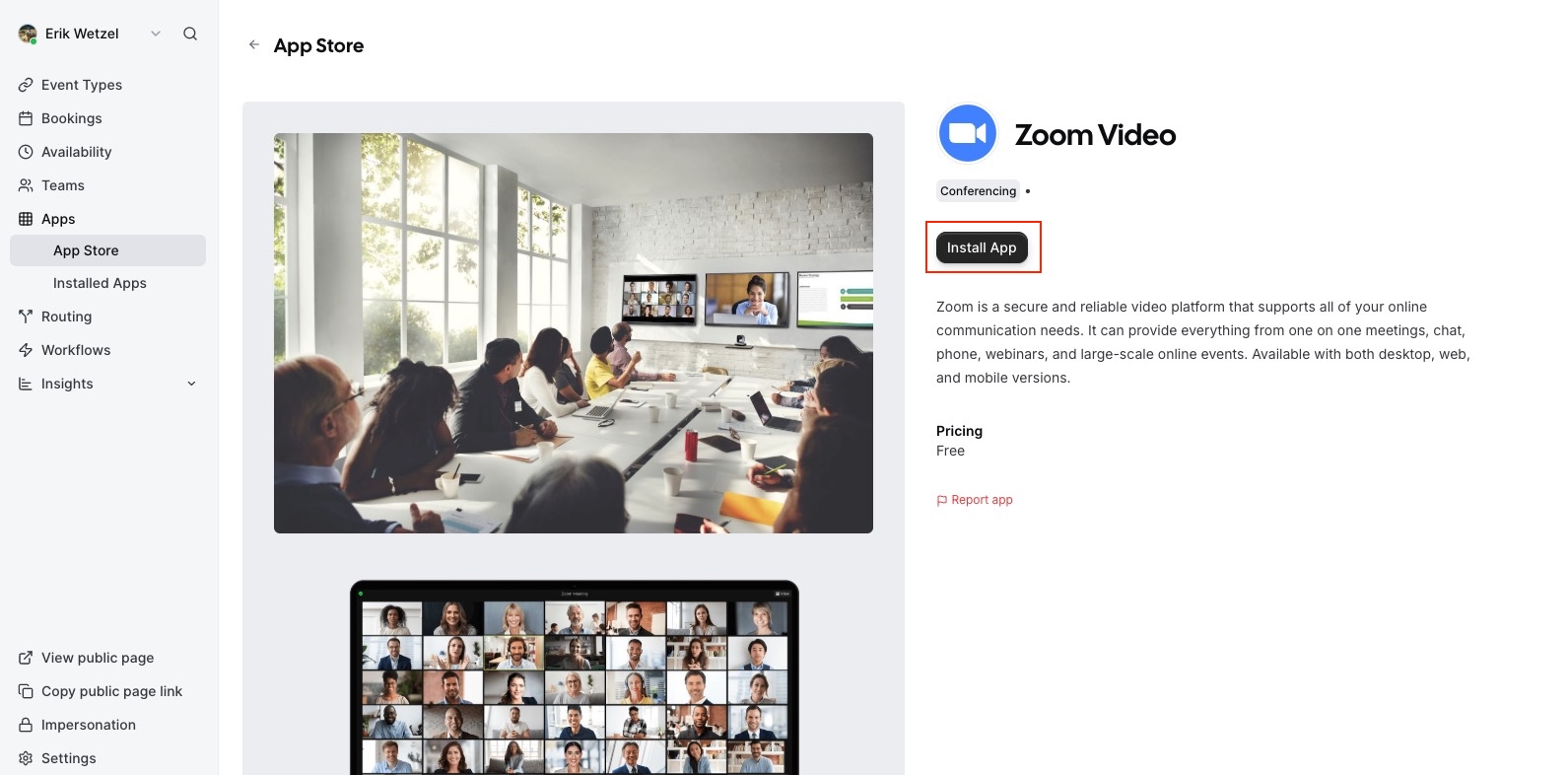
Once the Schedly's Zoom app page opens up, click on Install App
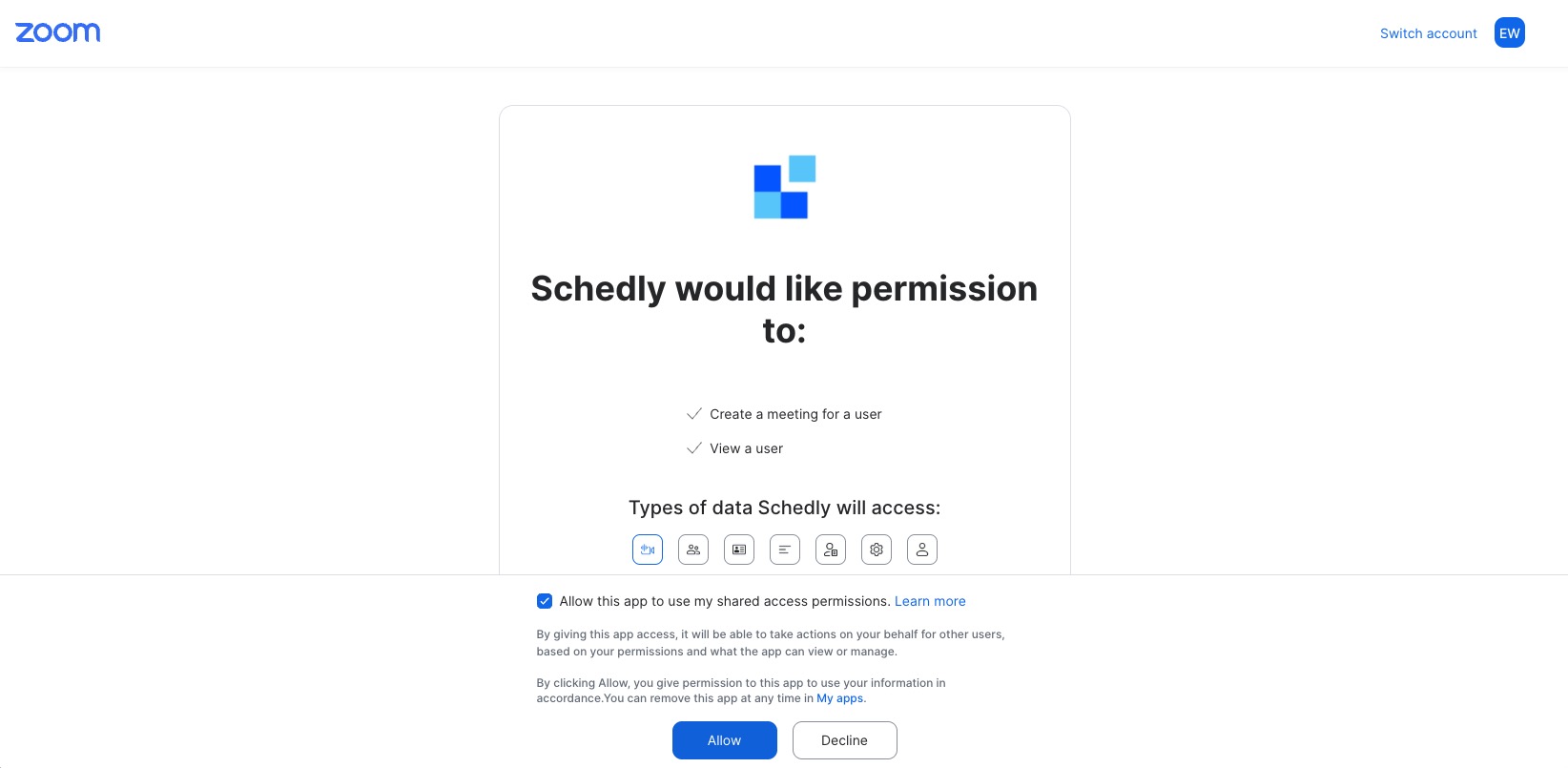
Once you click on Install App, you'll be redirected to your Zoom account (sign in if you haven't already) and allow the necessary permissions.
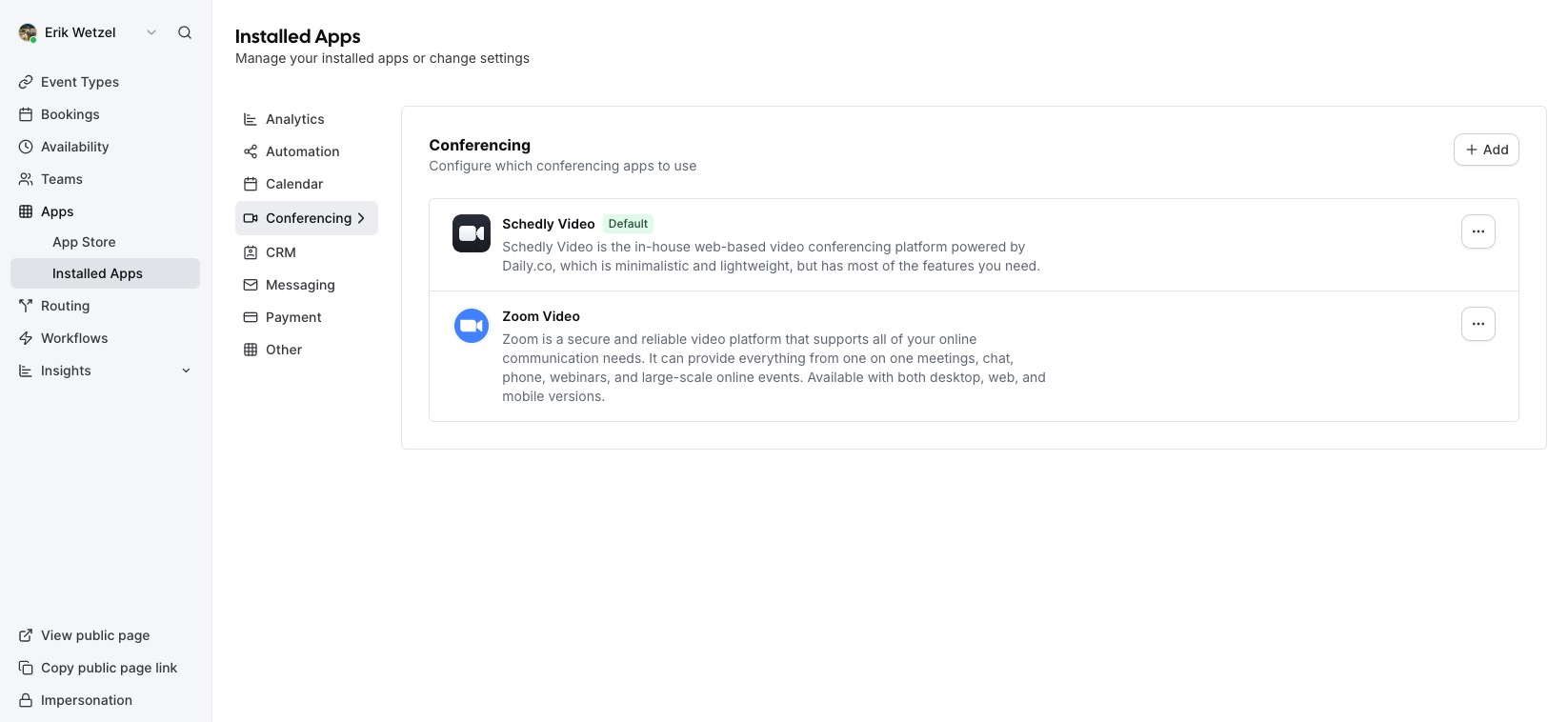
Now, you should be redirected to Schedly's Installed Apps page with the Conferencing Tab selected, and you should see Zoom Video in the list.
Once you have added Zoom as your event-type location, you will see it as shown in the image below. Click on Save, and all your meetings should now have Zoom video as the default location.